
When a Meta Request Looks Official Enough to Hurt
A fake Meta Business Manager scam does not always arrive wearing a ski mask. Sometimes it shows up dressed like a normal partner request, with official-sounding language, a warning about fraud, and a button that looks like something a busy business owner might click between invoices.
That is what makes this type of scam nasty. It does not need you to believe in a ridiculous prize, a foreign prince, or a miracle software update. It only needs you to think, “Maybe Meta is asking me to approve something for my Page.” That tiny moment of uncertainty is the whole trap.
Fake Meta Request Safety Map
- When a Meta Request Looks Official Enough to Hurt
- Fast Answer Before Panic Takes Over
- Why Scammers Send Fake Meta Partner Requests
- What They Can Do If You Approve Access
- What to Check After You Clicked
- The Calm Rule Before Approving Anything
- FAQs
- Disclaimer
- References
Fast Answer Before Panic Takes Over
- Best for: Small business owners, Page admins, ad account managers, and anyone who clicked a suspicious Meta-related link.
- What this covers: Why fake partner requests are sent, what scammers may do with business access, and which checks reduce the damage.
- What this does not cover: Recovery for a fully stolen Facebook account, legal advice, or guaranteed account restoration.
- Main caution: Clicking a link is bad, but approving access, entering login details, or giving payment access is worse.
- When to get professional help: If unknown admins, partners, ads, payment methods, or business assets appear in your account, involve your IT support, Meta support, and your payment provider quickly.
Why Scammers Send Fake Meta Partner Requests
The nefarious reason is simple: scammers want trusted business access without having to break through the front door. A fake partner request can make the victim do the hard part for them. Instead of stealing a password first, the scam tries to make the real admin voluntarily open the gate.
That gate can be worth money. A Facebook Page may have followers, reputation, message history, connected Instagram accounts, ad accounts, pixels, catalogs, and payment methods. To a scammer, that is not just a Page. It is a small business identity kit.
The fake request may use Meta’s name because fear moves faster than judgment. If the message says a business is “approved,” “at risk,” “under review,” or “selected for partnership,” the reader may rush. The goal is not good grammar. The goal is speed.
Terms That Matter
- Business portfolio: The Meta business area where Pages, ad accounts, people, partners, and other assets can be managed.
- Partner access: A way to share selected business assets with another business, such as an agency or vendor.
- Phishing: A scam that imitates a trusted company to trick someone into giving information, clicking a link, or approving access.
What They Can Do If You Approve Access
A fake partner request can become more dangerous than a normal phishing email because it may target permissions, not only passwords. If the scammer gets partner or admin-level access, they may try to use your business assets while your name carries the blame.
Here is the ugly version, without turning it into a how-to manual for criminals.
The Scammer’s Wish List
- Run ads through your ad account: They may push scam products, fake stores, crypto-style bait, malware links, or stolen-content pages while your account absorbs the risk.
- Use your payment setup: If billing access or saved payment methods are exposed, they may attempt ad spending that creates charges, disputes, or account restrictions.
- Hijack trust from your Page: A real business Page can make bad links look safer to followers who already know the brand.
- Message customers or followers: They may send fake support messages, fake offers, or urgent payment requests from an account people recognize.
- Change access before you notice: Unknown users, partners, or system roles can make cleanup harder if they are granted enough control.
- Abuse pixels, catalogs, or connected assets: A compromised business setup can expose marketing data, product feeds, or campaign infrastructure.
The scammer does not need to love your business. They only need your business to look legitimate for a few hours, a few ad approvals, or a few rushed clicks from your audience. That is the dirty value of a stolen Page: borrowed credibility.
Mini Scenario: The Five-Minute Mistake
Picture a small furniture store admin checking email before opening. A request says the business is approved for a partnership and includes an m.me-style link. The message looks like it came through a normal platform flow, and the text even warns about fraud, which makes it feel oddly official.
The admin clicks. If they only clicked and closed it, the risk is lower but still worth checking. If they logged in, approved the partner, or shared assets, the risk jumps. Now the right question is not “Was I dumb?” It is “Which doors did that click open?”
What to Check After You Clicked
Do not start by arguing with the email. Start inside Meta Business Suite from a clean browser tab. Type the address yourself, use your saved bookmark, or open the app directly. Do not return through the suspicious link.
Safer Next Steps
- Check Partners: Look for unknown businesses connected to your portfolio.
- Check People: Remove unknown users and review who has full control.
- Check Pages and Instagram accounts: Confirm no asset was shared with a stranger.
- Check Ad accounts: Look for new campaigns, sudden budget changes, strange ads, or rejected ads you did not create.
- Check payment settings: Review cards, billing activity, thresholds, and invoices.
- Check apps and system users: Remove anything you do not recognize.
- Reset passwords if credentials were entered: Use a new password and log out of other sessions.
- Turn on two-factor authentication: Require it for every person with business access.
- Report the message: Send suspicious Facebook or Meta emails to Meta’s phishing report address and report fraud to the FTC if money, identity, or business harm is involved.
What Not to Assume
- “I only clicked, so I’m fine”: Maybe, but a quick check is still cheaper than discovering a fake campaign later.
- “It said Meta, so it must be Meta”: Scammers borrow brand language because it works.
- “No money moved, so nothing happened”: Access changes, Page abuse, or hidden ad changes can appear before a charge does.
The Calm Rule Before Approving Anything
The safest rule is boring, which is why it works: never approve a business partner request from an email link. Open Meta Business Suite directly, inspect the requester, and verify the relationship outside the platform if needed. A real agency, vendor, or collaborator can wait ten minutes while you confirm.
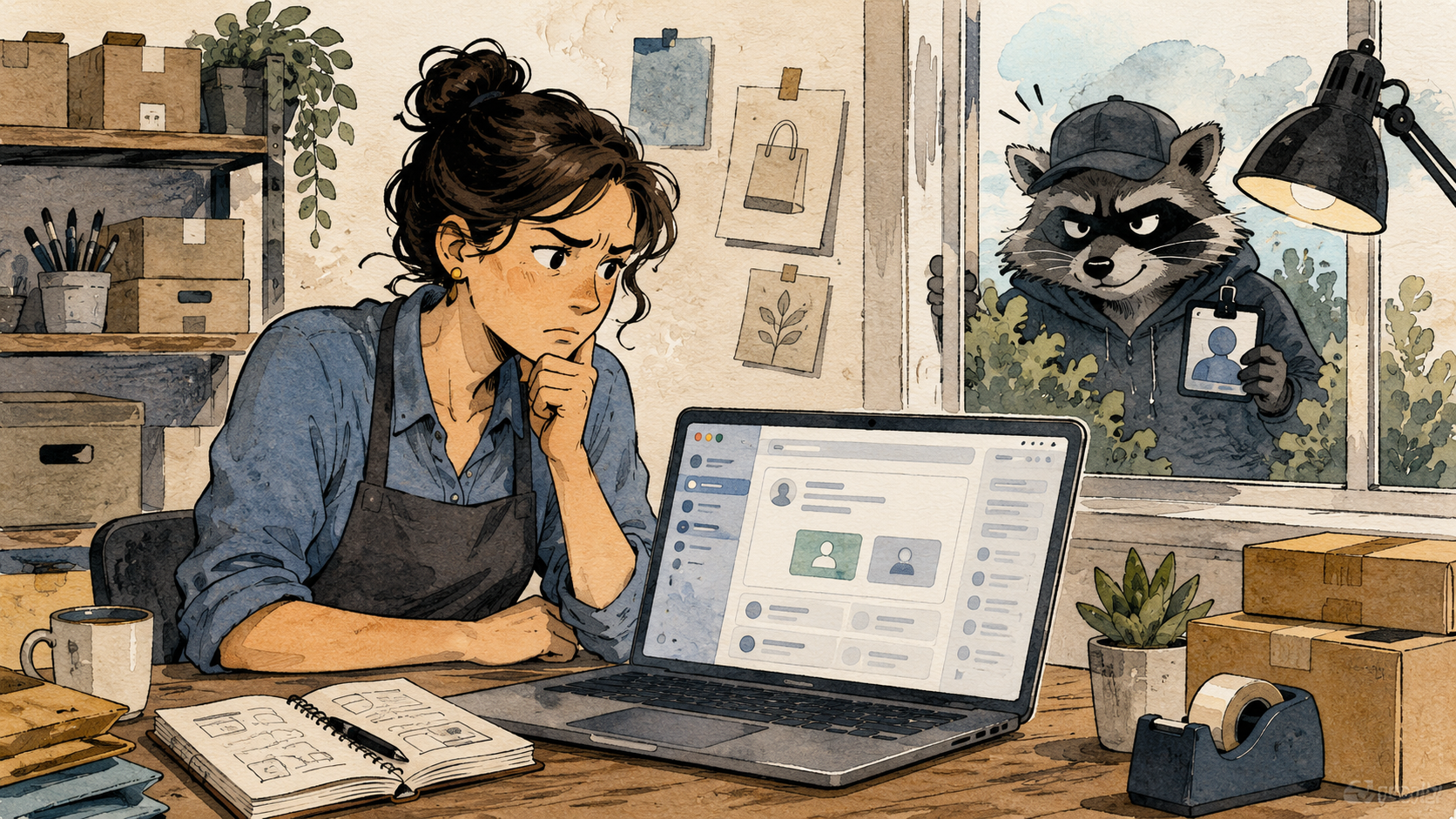
A legitimate partner should be able to tell you who they are, why they need access, which business ID they use, which exact assets they need, and which permissions are required. If the request depends on urgency, fear, or a vague promise of “collaboration,” treat it like a raccoon wearing a Meta badge.
A Small Business Approval Checklist
- Confirm the requester through a known phone number, email, or signed client/vendor relationship.
- Approve the smallest permission needed, not full control by default.
- Avoid sharing payment, admin, or full portfolio control unless there is a documented reason.
- Use two-factor authentication for every admin.
- Review partners and people once a month, especially after staff, vendor, or agency changes.
- Keep one offline note listing who should have access, what they manage, and when it should be reviewed.
Final Thought for Anyone Who Clicked
Clicking one fake Meta partner request does not make you careless. It makes you normal. These scams are designed for people who manage real work, real customers, and too many platform notifications.
The recovery move is not shame. It is inventory. Check who has access, check what changed, lock down the account, report the scam, and teach the pattern to the next person who might click faster than they think.
FAQs
Q1. Is every Meta partner request a scam?
A1. No. Real agencies, vendors, and collaborators may use partner access to manage Pages, ad accounts, catalogs, or pixels. The warning sign is a request you did not expect, from a strange business name, with pressure to click a link or approve access without context.
Q2. What if I clicked the link but did not enter anything?
A2. The risk is lower than if you entered login details or approved access, but you should still check your Business Suite, ad account, active sessions, and email security. If the page downloaded anything, asked for a login, or behaved strangely, treat it as higher risk.
Q3. Why would scammers want a small business Page?
A3. A small Page can still carry trust. Scammers may use that trust to run ads, message followers, promote bad links, or make a fake offer look less suspicious. Smaller businesses may also have fewer security reviews, which makes them attractive targets.
By: Marcus Irizarry
About the author: Technology and web operations contributor focused on practical security, small business tools, and everyday platform risks. This post is based on a real suspicious Meta partner request example and current Meta and FTC guidance.
Last updated: 2026-05-17
Disclosure: No paid placement influenced this post.
Disclaimer
This post is general security information for small business users. It is not legal advice, forensic incident response, or guaranteed account recovery guidance. If you see unknown charges, unknown admins, active scam ads, or business identity misuse, contact Meta support, your payment provider, and qualified technical help.
References
- <a href="https://www.meta.com/help/policies/1273750300141929/" rel="nofollow noopener" target="_blank">Meta Help Center, “Avoid scams and phishing attempts”</a>. Used for Meta’s current guidance on suspicious links, sensitive information requests, and two-factor authentication.
- <a href="https://www.facebook.com/help/225602007465207" rel="nofollow noopener" target="_blank">Facebook Help Center, “You got a suspicious email or message claiming it’s from Facebook”</a>. Used for reporting guidance for suspected Facebook phishing.
- <a href="https://www.facebook.com/business/help/1717412048538897" rel="nofollow noopener" target="_blank">Meta Business Help Center, “Give a Partner Access to Business Assets”</a>. Used to explain what legitimate partner access is meant to do.
- <a href="https://reportfraud.ftc.gov/" rel="nofollow noopener" target="_blank">Federal Trade Commission, ReportFraud.ftc.gov</a>. Used for reader-facing fraud reporting guidance.




0 Comments