
The Browser Intern Has Entered the Meeting
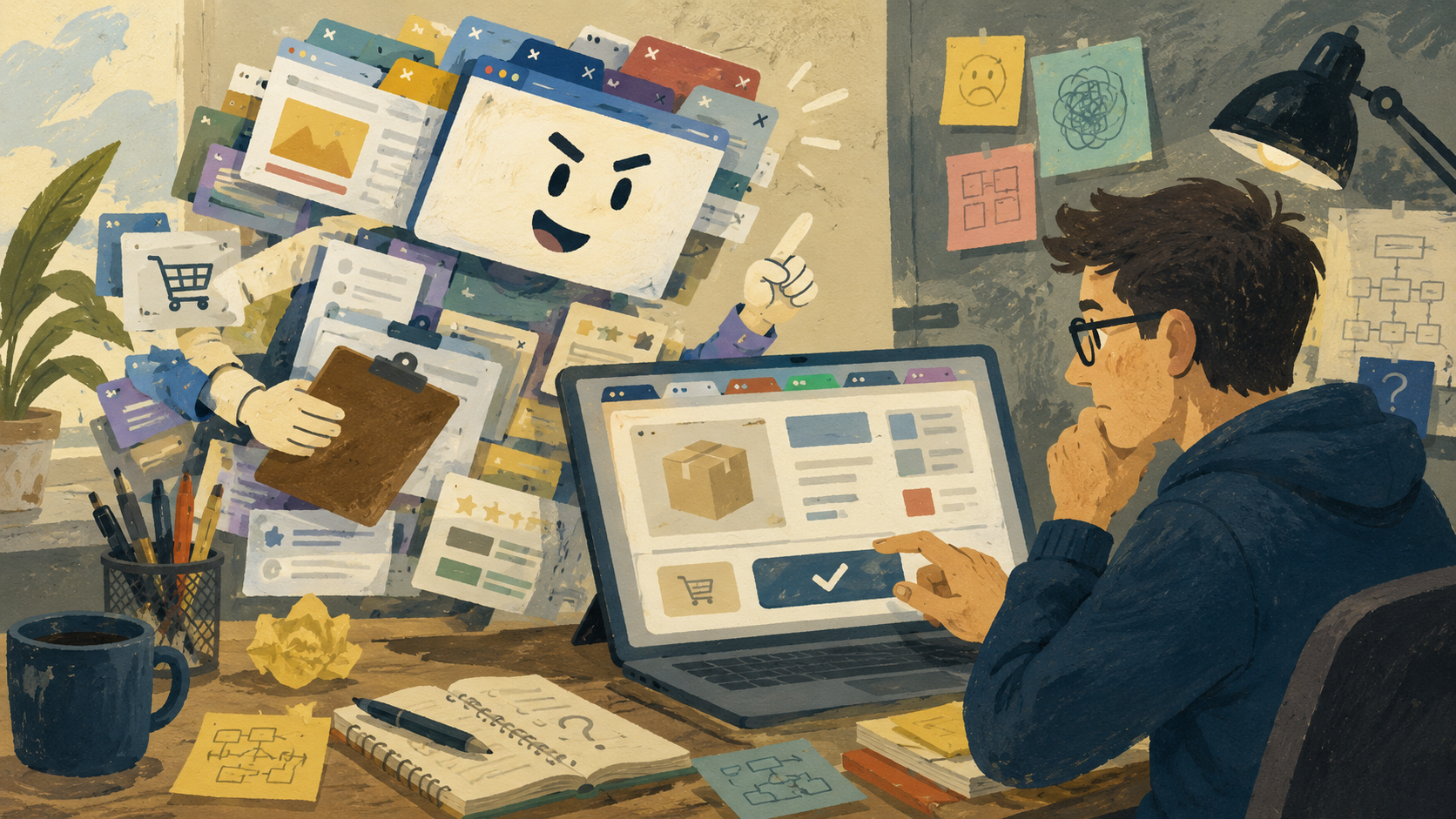
AI browsers have arrived with the energy of an unpaid intern who read one onboarding document, found the snack drawer, and immediately asked for purchasing authority. They can summarize pages, compare tabs, help write things, and in some cases act on websites for you. That sounds helpful until the browser starts making confident little suggestions like it has been promoted to “Vice President of Clicking Stuff.”
The problem is not that AI browsers are useless. The problem is that they often sound most confident right before the human needs to slow down and ask, “mi amor, who approved this?”
What This Browser Meltdown Covers
- The Browser Intern Has Entered the Meeting
- The Five-Second Take
- Why AI Browsers Sound So Sure of Themselves
- The Part Where Helpful Turns Into Nosy
- How to Keep the Intern Away From the Company Card
- The Future Is Useful, but It Needs Supervision
- FAQ
- References
The Five-Second Take
- Core claim: AI browsers are useful when they summarize, compare, and organize, but risky when users treat confident suggestions as confirmed truth.
- What people get wrong: The danger is not just “AI is bad.” The danger is letting a browser assistant act like context equals judgment.
- Why it matters: Your browser sees messy real life: tabs, logins, carts, emails, documents, prices, and half-finished thoughts.
- Who should care: Anyone who shops online, manages accounts, books travel, or opens 47 tabs and calls it “a system.”
- Reality check: Let AI browsers help with the busywork, not the final yes.
Why AI Browsers Sound So Sure of Themselves
The new pitch is simple: the browser should not just show webpages, it should help do things on them. OpenAI introduced ChatGPT Atlas in October 2025 with ChatGPT built into the browser and an agent mode preview that can work with browsing context. Microsoft has been moving Copilot deeper into Edge, including features that can reason across open tabs with permission. Perplexity markets Comet as a browser assistant that can research, organize email, plan trips, and handle tasks. Dia describes itself as a browser that works with you, not just a box for URLs.
That is the factual layer. The opinion layer is where this gets funny. Browsers used to be quiet. They held your tabs, judged your bookmarks silently, and crashed only when something important was open. Now they want to summarize, compare, draft, remember context, and maybe finish tasks.
The common myth
- AI browsers will replace normal browsing because clicking is ancient.
- If the browser can see more tabs, it must understand the whole situation.
- If an assistant sounds polished, the answer must be ready.
- If it offers to do the task, the task is safe to delegate.
The myth spreads because it feels efficient. People want fewer tabs, fewer decisions, and fewer moments where a login code expires while they hunt for the right inbox.
What the current pattern suggests
The real pattern is more modest. AI browsers are becoming better at reducing friction. They can summarize a long page, compare product tabs, pull context from related pages, and help you turn scattered browsing into a cleaner decision. That is useful. That is also not the same as wisdom.
The risky part is the assistant’s tone. A browser agent can sound decisive even when the underlying task needs human judgment. A travel booking, a software download, a subscription change, a purchase, or a work email may involve details the assistant can miss, such as refund rules, shipping limits, privacy settings, hidden fees, or the tiny checkbox that signs you up for “premium convenience sadness.”
Mini case: the 2026 tab pile
Imagine a normal Saturday in 2026. You have eight tabs open for a laptop bag, three reviews, a checkout page, one discount code page that looks like it was designed during a caffeine emergency, and a shipping policy. An AI browser can summarize the options in 20 seconds.
Good. Let it.
But then it says one bag is “the best choice.” Best for what? Price? Warranty? Delivery speed? Your need for two side pockets and a zipper that does not sound like a tiny chainsaw? That is where the intern energy shows. It finished the worksheet, but you still have to grade it.
The Part Where Helpful Turns Into Nosy
Agentic browsing depends on context. That is the whole deal. A browser assistant becomes more useful when it can see the page, understand open tabs, remember parts of the session, or work directly inside a site after you ask. Without that context, it is just a chat window wearing browser shoes.
The tradeoff is obvious: the more context it can use, the more careful you need to be with permissions. A browser is not a calculator sitting in the corner. It is where you handle bank pages, medical portals, work dashboards, school forms, cloud documents, shopping carts, private messages, and searches you would prefer not to see projected onto a wall.
Where the simple take fails
- “Just turn it all on”: That may save time, but it also expands what the assistant can inspect or act on.
- “Never use it”: That throws away legitimate convenience, especially for summarizing, comparing, and drafting.
- “The browser will ask first”: Permission prompts help, but people click through prompts when they are tired, rushed, or trying to get free shipping before midnight.
What not to do
Do not give an AI browser permanent, broad permission because one feature saved you 90 seconds. That is like giving the intern a master key because they found the conference room once. Use the smallest permission that fits the task. Turn off features you do not use. Keep sensitive tabs out of agent sessions when possible. For purchases, account changes, forms, and messages, make the final click yourself.
How to Keep the Intern Away From the Company Card
The practical rule is not complicated: use AI browsers for drafts, summaries, comparisons, and organization. Use your own judgment for decisions, commitments, payments, uploads, and anything tied to your identity.
A useful AI browser session should feel like asking a fast assistant to clean the desk. It should not feel like letting a raccoon sort your taxes because it made eye contact with the stapler.
Quick reality-check list
- Ask the browser to summarize, then open the original source before acting.
- Ask it to compare tabs, then check the two details that matter most, such as price, date, warranty, privacy, or cancellation terms.
- Ask it to draft text, then rewrite anything that sounds too formal, too confident, or too “corporate robot wearing cologne.”
- Keep AI assistance away from sensitive pages unless the feature, permission, and benefit are clear.
- Before any purchase or booking, pause for 10 seconds and confirm the final page yourself.
A good decision rule: if the action can cost money, expose private data, change an account, send a message, or create a commitment, the AI browser can prepare the tray. You carry it to the table.
The Future Is Useful, but It Needs Supervision
AI browsers are not just a gimmick. The browser is the natural place for this technology because the browser is where modern life already leaks into tabs. Research, shopping, work, school, entertainment, admin, and panic-Googling all happen there.
The danger is treating confidence as competence. AI browsers will keep improving, and some tasks will become easier because of them. Still, the best version of this future is not a browser that takes over. It is a browser that explains what it is doing, asks before touching important things, and stays humble enough to let the human be the adult in the tab group.
Let the browser intern summarize the meeting. Let it organize the notes. Let it suggest the next step. Just do not hand it the credit card, the password reset page, and the power to click “confirm” while you go make coffee.
FAQ
Q1. Are AI browsers actually useful or just another tech trend?
A1. They can be useful when the task is narrow, such as summarizing pages, comparing open tabs, drafting text, or organizing research. The mistake is expecting them to understand your priorities perfectly. They are better as assistants than decision makers.
Q2. What is the main risk with agentic browser features?
A2. The main risk is giving too much permission to a tool that can see or act inside your browsing context. That does not mean every feature is unsafe. It means permissions, sensitive tabs, purchases, forms, and account changes need more care than a normal search.
Q3. Should everyday users avoid AI browser agents?
A3. Not necessarily. Everyday users can benefit from summaries, comparisons, and writing help. The safer approach is to keep the AI browser in a helper role and reserve final decisions, payments, messages, and private account actions for the human.
By: Marcus Irizarry
Why trust this: Editorial commentary based on current public product pages and browser update notes, written for everyday tech readers rather than enterprise buyers.
Last updated: 2026-05-16
Disclosure: No paid placement influenced this post.
References
- OpenAI, <a href="https://openai.com/index/introducing-chatgpt-atlas/" rel="nofollow">“Introducing ChatGPT Atlas” (2025)</a>, used for Atlas and agent mode context.
- Microsoft Edge Blog, <a href="https://blogs.windows.com/msedgedev/2026/05/13/new-updates-to-edge-across-desktop-and-mobile/" rel="nofollow">“New updates to Edge across desktop and mobile” (2026)</a>, used for current Copilot across-tabs context.
- Perplexity, <a href="https://www.perplexity.ai/comet/" rel="nofollow">“Comet Browser: a Personal AI Assistant”</a>, used for Comet positioning and assistant feature framing.
- Dia, <a href="https://www.diabrowser.com/" rel="nofollow">“The browser that works with you”</a>, used for AI browser market positioning.




0 Comments