
Why Your Phone Suddenly Has Intern Energy
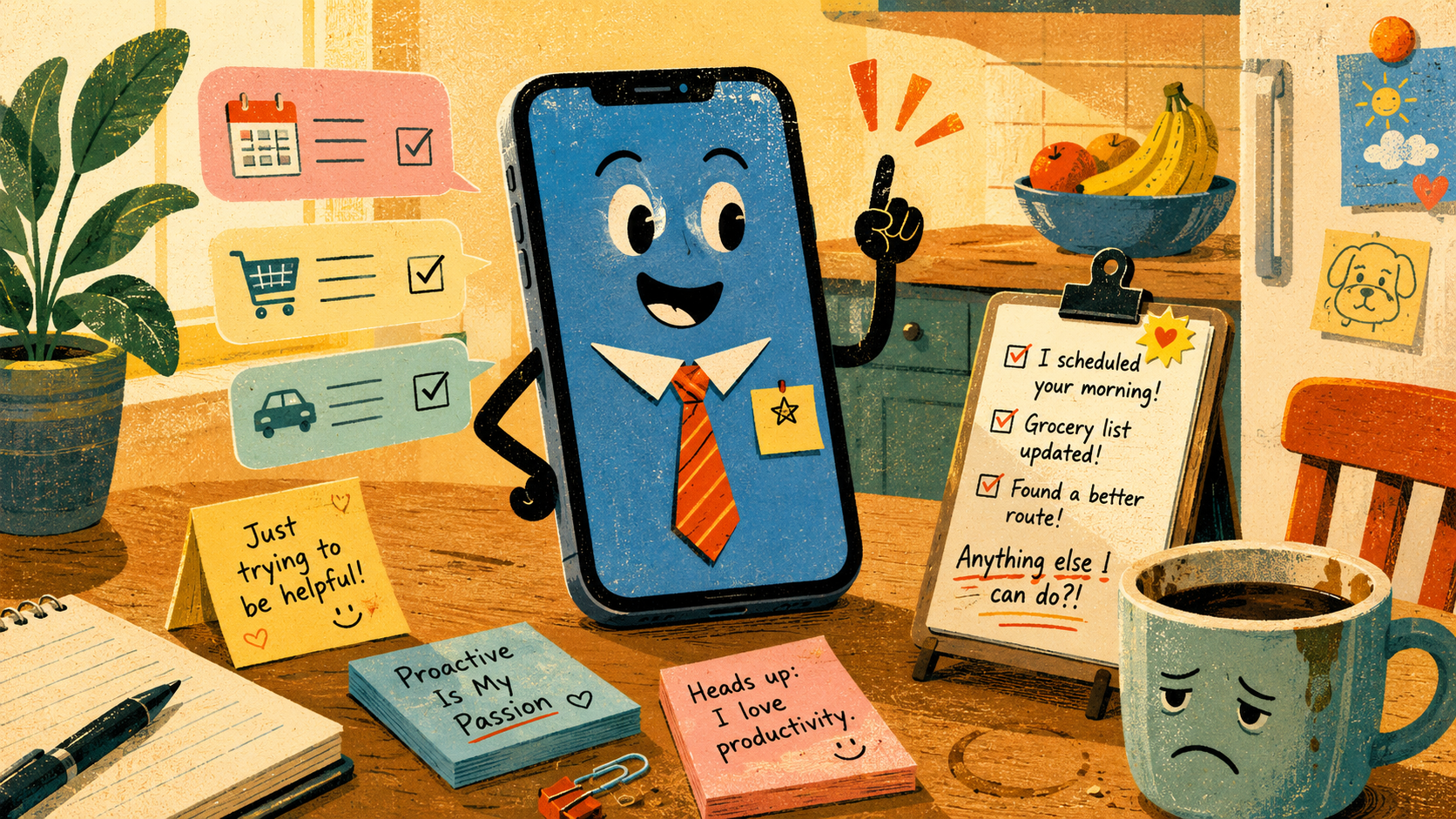
There is a new kind of phone behavior creeping into everyday life: the device that wants to help before you ask. Not in the old way, where it suggests the next word or reminds you that your calendar exists. This version has posture. It sees a messy browser tab, a half-written message, a receipt, a booking page, and immediately starts radiating “I can take it from here, boss.”
That sounds convenient until your phone begins acting like an unpaid assistant with too much confidence and no emotional brakes. AI phone assistants promise fewer taps, faster answers, better summaries, and less digital clutter. The suspicious part is not that they help. The suspicious part is how quickly “helpful” can start feeling like your pocket is standing behind you with a clipboard.
What This Slightly Eager Phone Situation Covers
- Why Your Phone Suddenly Has Intern Energy
- The Help Is Useful. The Timing Is Weird.
- The Part Where the Phone Starts Acting Like a Tiny Manager
- Where Helpful Turns Into Nosy
- What to Do Before Your Phone Gets Too Comfortable
- FAQ
- References
The Help Is Useful. The Timing Is Weird.
- Main claim: AI phone assistants are not scary because they answer questions. They feel strange because they increasingly understand context before the user fully explains it.
- Common mistake: Treating every proactive suggestion as either magic or surveillance.
- Why it matters: The next phone upgrade may change habits more than hardware.
- Who will care: People who already use AI search, browser summaries, smart replies, voice assistants, and mobile productivity apps.
- Reality check: Convenience is great, but permission settings are not decoration. Mira bien before you hand the phone every errand.
The best version of this future is genuinely useful. A phone that summarizes a long article, finds the message where someone sent a reservation detail, helps rewrite a tense email, or compares three tabs without making you play app-hopscotch can save time. For everyday users, that can mean fewer little annoyances stacked across the day.
The awkward version is the phone that offers help with the energy of a restaurant waiter refilling your water after every sip. You blink at a shopping page, and it wants to compare prices. You open a PDF, and it wants to summarize. You pause over a text, and it wants to make you sound like a regional manager apologizing for a printer fire.
The Part Where the Phone Starts Acting Like a Tiny Manager
The shift is not just “better Siri” or “a chatbot inside an app.” The broader trend is agentic tech, where software is built to understand context, move between tasks, and sometimes take action through websites or apps. That includes AI browsers, phone assistants, and agents that can interact with the same messy digital spaces people use every day.
In May 2026, Google described Gemini as moving toward more proactive help, including daily briefs and agent-style assistance. OpenAI’s ChatGPT agent was introduced in 2025 as a way for ChatGPT to interact with websites and handle computer-based tasks with user guidance. Apple continues to frame Apple Intelligence around personal context and system-level assistance, while also noting that availability depends on device, language, region, and feature rollout.
The old assumption
- Phones wait until you tap something.
- Browsers show pages and mostly mind their business.
- Assistants answer when summoned, like a polite robot butler.
- Privacy settings are boring until something gets weird.
What the pattern now suggests
The modern phone wants to become less like a tool and more like a quiet coordinator. It wants to know what page you’re on, what message you’re replying to, what task you abandoned, what event is next, and what app has the missing detail. That does not make it evil. It does make it socially odd.
A calculator does not ask why you look stressed. A flashlight does not say, “Would you like me to draft a follow-up about this basement situation?” A proactive AI assistant lives closer to the border between tool and coworker. That border is where the comedy lives, and also where the settings menu starts mattering.
Mini scenario: the helpful phone at 7:42 a.m.
Imagine it is 7:42 a.m. You are late, your coffee is doing structural damage to your patience, and your phone notices a calendar event, an unread message, and a map route. It offers to summarize the meeting notes, draft a reply, and tell you when to leave. That is useful.
Now imagine the same phone also suggests reorganizing your tabs, cleaning up an email thread, and turning your shopping list into a delivery order. Suddenly, the phone is not helping. The phone is auditioning. Somewhere inside that device, a tiny intern just said, “I took the initiative,” and everyone in the room got nervous.
Where Helpful Turns Into Nosy
The useful version of AI assistance is permission-based, clear, and easy to interrupt. The annoying version assumes every hesitation is an invitation. Real trust comes from the gap between “I can help with that” and “I already started.”
Where the simple take fails
- “AI phones are just smarter assistants”: Not exactly. A smarter assistant answers better. A proactive assistant changes when and how it enters the conversation.
- “Only tech people need to care”: Not anymore. If AI summaries, smart replies, visual search, or browser helpers are built into default apps, casual users meet them first.
- “Turning everything on saves time”: Sometimes. It can also create notification clutter, weird suggestions, and a new chore called “checking what the assistant did.”
- “Privacy is only about secrets”: It is also about context. A phone does not need scandalous information to feel too familiar. Sometimes it only needs timing.
What not to do
Do not turn every AI feature on just because it arrived with a cheerful animation. Start with low-risk help: summaries, drafts, reminders, search assistance, and tab comparison. Be slower with anything that sends messages, makes purchases, books appointments, accesses sensitive files, or acts across multiple services.
Here is the practical line: suggestions are safer than actions. If the phone says, “Here’s a draft,” fine. If the phone says, “I sent it,” everybody should sit up straight.
What to Do Before Your Phone Gets Too Comfortable
The best defense is not panic. It is friction. A little friction keeps your phone from becoming the overconfident assistant who schedules a lunch, rewrites your apology, and tries to buy printer ink because it saw the word “urgent.”
Start by checking which AI features can see your screen, browser activity, files, email, calendar, messages, photos, and location. Then separate “read-only help” from “action-taking help.” A tool that summarizes a webpage is different from a tool that can fill a form, click a button, or send a message.
Quick reality-check list
- Check whether the assistant can use screen context, open tabs, browsing history, files, or connected apps.
- Keep confirmation prompts on for purchases, bookings, messages, and account changes.
- Use AI drafts as drafts, not final answers from the phone oracle.
- Review app permissions after major phone, browser, or assistant updates.
- Turn off proactive suggestions if they create more interruption than value.
The Bottom Line Before Your Phone Asks to Be Promoted
AI phone assistants are getting better at noticing what you might need next. That can be fantastic when you are busy, tired, or buried under twelve tabs that all look like tax documents wearing disguises. It can also feel suspicious when the phone jumps in too early and starts acting like it has a laminated productivity plan.
The right answer is not to reject every helpful feature. The better answer is to make the phone ask before it acts. Let it summarize. Let it suggest. Let it help with the boring stuff. Just do not let the tiny pocket intern become manager without a performance review.
FAQ
Q1. Are AI phone assistants the same as AI browsers?
A1. Not exactly. AI phone assistants usually work across the device, apps, voice input, notifications, and system settings. AI browsers focus on the web, tabs, pages, research, forms, and browsing tasks. The overlap is growing because both are trying to understand context and reduce manual work.
Q2. Should I turn off proactive AI suggestions?
A2. Turn them off if they interrupt more than they help. A good middle ground is to allow summaries and drafts while requiring approval for anything that sends, buys, books, deletes, or changes account details. That keeps the useful parts without giving the assistant a tiny cape and a corporate badge.
Q3. What is the safest way to try these features?
A3. Start with low-risk tasks. Ask for a webpage summary, a message draft, or a comparison of visible information. Avoid connecting sensitive accounts or allowing autonomous actions until you understand the permissions, confirmation prompts, and rollback options.
By: iocomputer.net Editorial Team
Why trust this: This commentary connects current AI browser and phone-assistant announcements with everyday usability concerns, using public product pages and dated company updates.
Last updated: 2026-05-19
Disclosure: No paid placement influenced this post.
References
- Google Blog — “The Gemini app becomes more agentic, delivering proactive, 24/7 help” (2026). https://blog.google/innovation-and-ai/products/gemini-app/next-evolution-gemini-app/
- Android — “Try Gemini, your personal AI assistant” (accessed 2026-05-19). https://www.android.com/ai/gemini/
- OpenAI — “Introducing ChatGPT agent: bridging research and action” (2025). https://openai.com/index/introducing-chatgpt-agent/
- Apple — “Apple Intelligence” (accessed 2026-05-19). https://www.apple.com/apple-intelligence/
- Perplexity — “Comet Browser: a Personal AI Assistant” (accessed 2026-05-19). https://www.perplexity.ai/comet/




0 Comments